Optional module
Design the label. Print during packing.
Build labels with your logo, QR codes, barcodes and current production data. Reuse designs across items and orders, and print as each package is completed.
Visiolog LabelPrint
The right label on every package
- 01Design
Text, logos, QR codes and barcodes
- 02Link
Items, orders and production fields
- 03Pack and print
Automatic printing, history and reprints
From label design to the finished package
Built-in LabelPrint goes beyond a fixed layout. Design and reuse labels, link them to production and follow output in the history.
Visual designer
Place text, images, QR codes and Code 128 barcodes on labels. Adjust dimensions in millimetres, fonts, position and rotation.
Library and reuse
Keep labels and reusable components in a library. Search, filter, copy and publish versions to reuse logos and shared fields.
Item and order data
Link labels to items and orders. Use production data such as order number, package quantity and timestamp, with local copies when needed.
Print during packing
Enable automatic printing for the relevant labels. Packing, package identity and label data are linked together.
Sheets, rolls and collections
Prepare one label or a collection. Choose copies, positions and ranges, with sheet or roll output.
History and reprinting
Find previous labels by order and package. Reprint preserved output or create a new linked print with changes.
See labels on the order
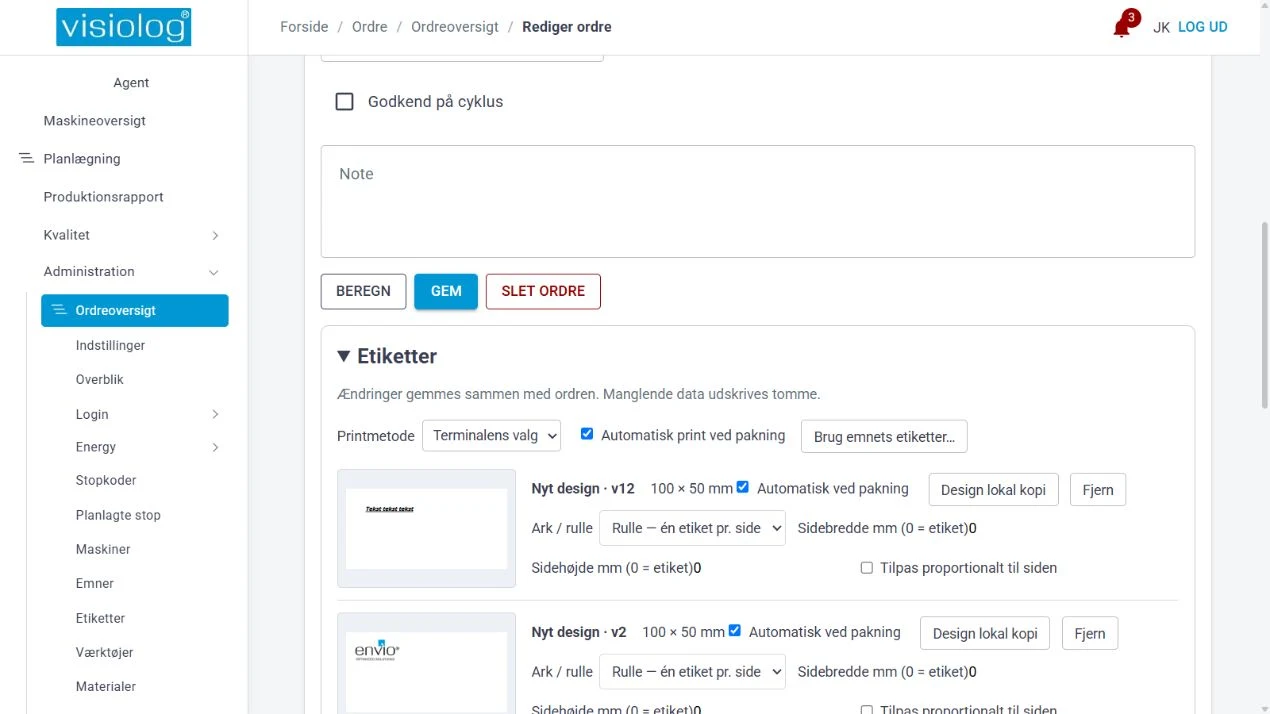
Retrieve labels from the item and adjust them on the order. Previews, format and automatic print settings are all part of order setup.
Built-in LabelPrint or BarTender
Use Visiolog's designer and library, or retain BarTender integration if it fits your label environment. Printing routes and printer setup are agreed for each installation.
Design directly in Visiolog
Work with your own layouts, reusable components and production fields. Preview using test data or an order before using the label.
Connect to BarTender
Send supported production fields to your BarTender label server. Layout and printer setup are managed in your chosen print environment.
See what Visiolog can show about your production
Book a demo and we will walk through the system using your machines as a starting point.
- A no-obligation walkthrough
- We usually respond within one working day
- Danish support from Silkeborg, 31 13 16 60
Prefer to try it yourself? Try the demo factory
Book a demo
Leave your details and we will call or email you.
Thank you, we have received your message
We usually contact you within one working day. If it is urgent, call 31 13 16 60.